
Solutions
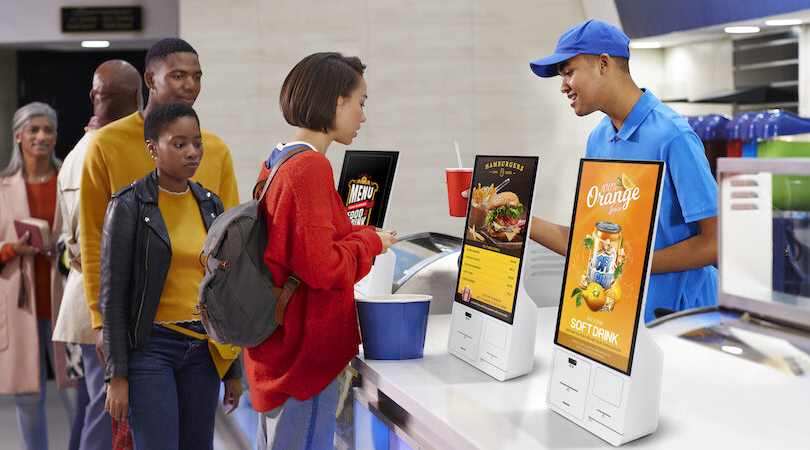
Food Service Industry
Fast-Food Chain / Restaurant / Coffee Shop
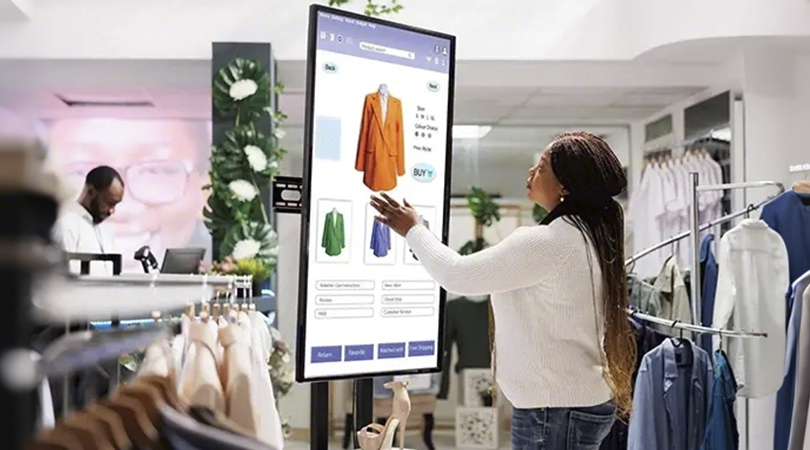
Retail Industry
Supermarkets / Convenience Stores
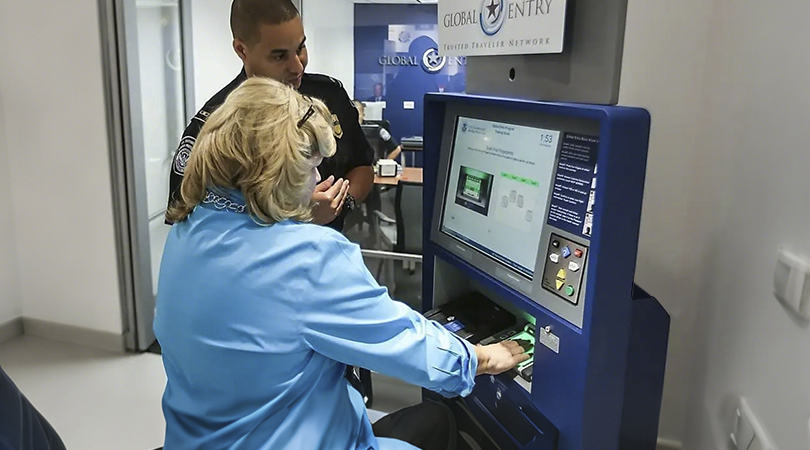
Travel & Leisure
Airport / Entertainment Venues
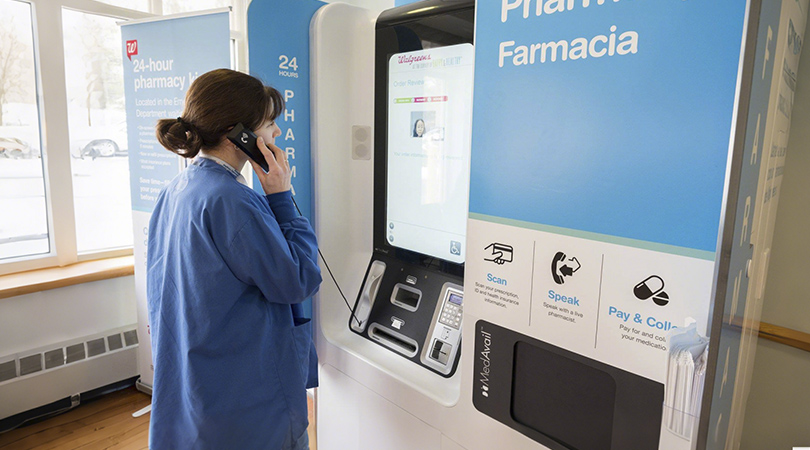
Other Industries
Gas Station / Pharmacy
Kiosk Enclosure
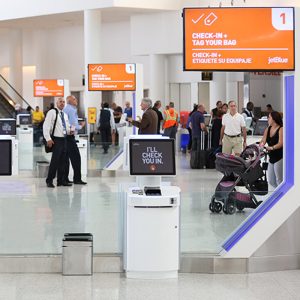
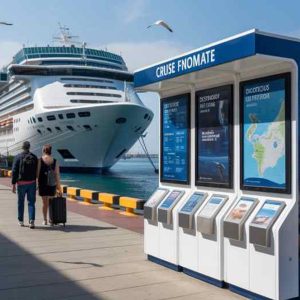
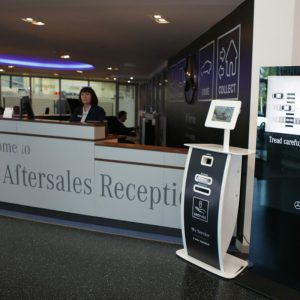
The physical self-service terminal enclosure can accommodate a tablet or screen along with any associated printers and/or peripherals, enabling visitors to easily access the ticketing system while protecting physical components from potential damage or theft.
Tablet or Screen
Touchscreen tablets or displays capable of running and displaying selected ticketing software.
Popular choices include Apple iPad, Samsung Galaxy, and Microsoft Surface tablets, as well as Elo touchscreens.
Ticketing Software
The visitor interface guides customers through the process of selecting tickets, completing payment, and entering any necessary information to finalize their purchase.
Graphics & Signage
Custom graphics and other signage can be used to align self-service kiosks more closely with your brand identity and provide calls to action to encourage visitors to use your kiosks.
Camera
By accessing the tablet’s built-in camera or an external camera accessory, the self-service ticketing machine can capture the customer’s photo and/or identification to verify the ticket purchase.
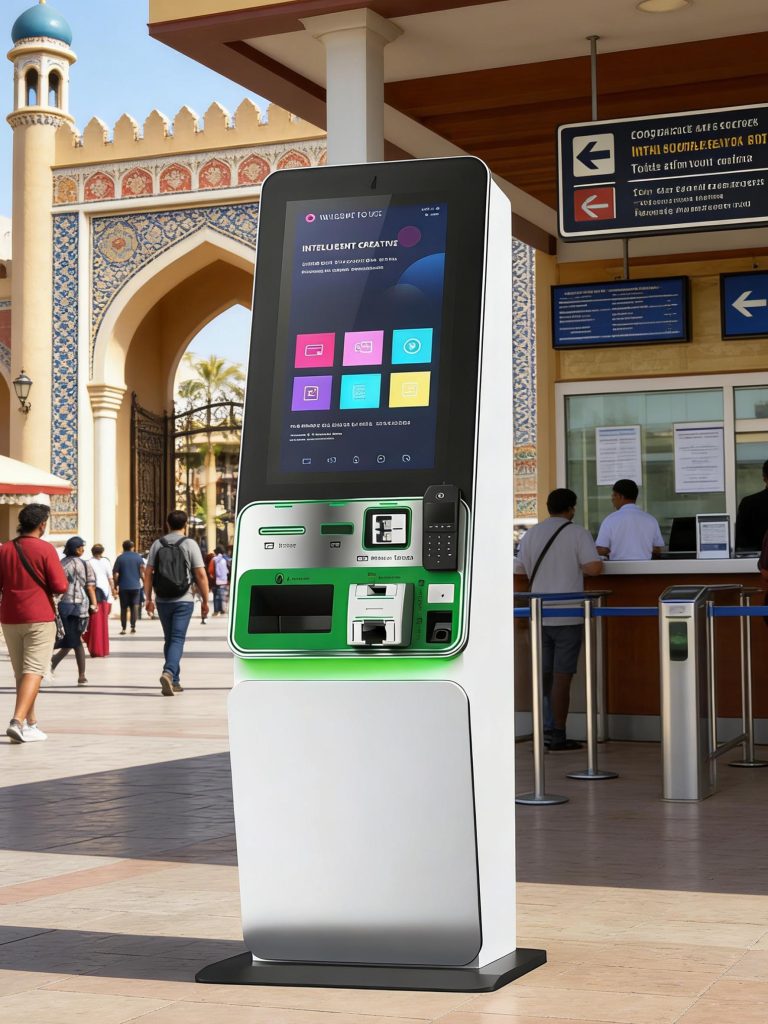
Ticket Printer
Most ticket booth solutions include a receipt printer for printing physical tickets and shopping receipts.
The printer is typically housed within the self-service terminal enclosure to prevent unauthorized access or tampering, and dispenses tickets or other printed materials through a coin slot or ticket dispenser.
Payment Systems
Payment systems, including credit card readers, chip-and-PIN readers, or contactless readers, allow visitors to pay using their preferred payment method.
While some ticketing solutions accept cash, an increasing number are phasing out this option due to maintenance requirements and security concerns.
Other Peripherals
Ticket booths can also integrate numerous other peripheral devices to accommodate specific usage scenarios or requirements.
For instance, wristband printers can effortlessly provide event admission credentials. Barcode and/or QR code scanners can be used to quickly retrieve prior purchase records at self-service ticket printing terminals. External keyboards and/or styluses can enhance data entry speed and accuracy.








Tablet or Screen
A touchscreen-enabled tablet or display used to run and display selected visitor registration software. Common choices include Apple iPad, Samsung Galaxy, and Microsoft Surface tablets, as well as Elo touchscreens.
Visitor Check-in Software
Visitor registration software guides visitors through the registration process for entering a facility. This software also supports verifying visitor identities, issuing printed registration passes, or integrating with access control systems. It typically works in conjunction with an administrative backend, enabling staff to view information about currently present individuals or review past visit records.
Kiosk Enclosure
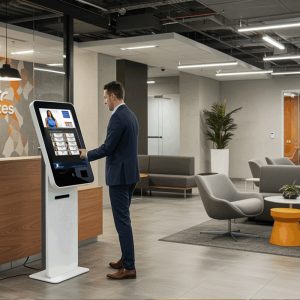
The physical self-service kiosk enclosure accommodates a tablet or display along with any associated printers and/or peripherals, enabling visitors to easily access the registration system while safeguarding physical components from potential damage or theft.
Camera
By accessing the tablet’s built-in front-facing camera or an external camera accessory, the self-service terminal can capture visitor photos and/or perform biometric facial matching.
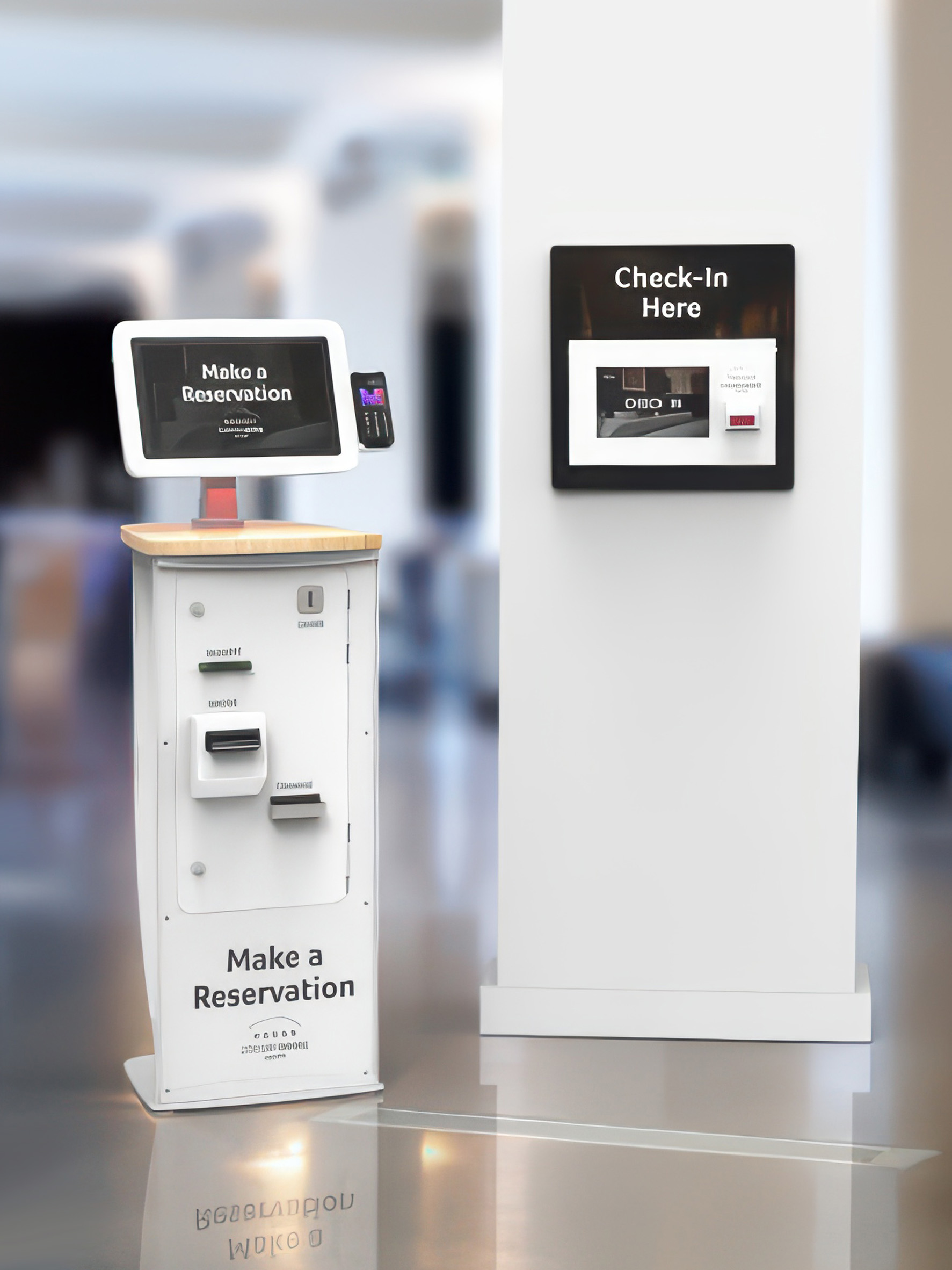
Graphics & Signage
Custom graphics and signage can be used to align self-service kiosks with your brand identity and provide calls to action that guide visitors in using your self-service kiosks.
Badge Printer
Most visitor registration solutions offer the option to integrate badge printers for printing physical badges worn by visitors on-site, enabling visitor identification and verification of completed registration. Printers can be installed inside self-service kiosks to prevent unauthorized access or tampering, or placed on counters or other surfaces adjacent to the kiosks.
ID Capture
The document holder allows visitors to easily and accurately place their identification documents for capture via the tablet’s rear camera or an external camera. The sensor-activated LED light ensures clear and bright images.
Other Peripherals
Additional peripheral devices can be integrated into self-service registration terminals to accommodate specific usage scenarios or requirements. For instance, barcode scanners can simplify the registration process by scanning QR codes on visitors’ mobile phones for pre-registration; external keyboards and/or styluses can enhance data entry speed and accuracy.
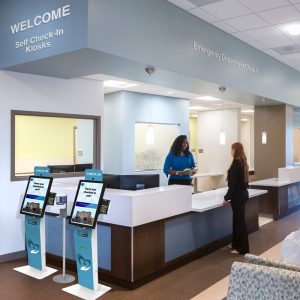
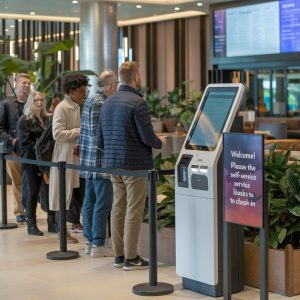
Healthcare Patient Check-In Kiosks-Test
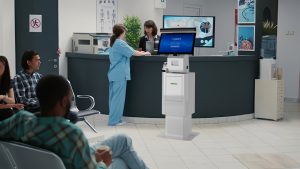
Streamline Clinics, Elevate Patient Experience -Test
Healthcare -Test
Patient-Test